Illustrative views
Connectivity management
 EdgeOne
Supplier-neutral control of Starlink, VSAT and 4G/5G across every WAN, with failover, firewall, monitoring and a live network view. You keep your own airtime contracts, and EdgeOne takes no cut of your data.
EdgeOne works with Kerio, Peplink, UniFi, Fortinet and pfSense routers. We can also provide a fully custom solution on request.
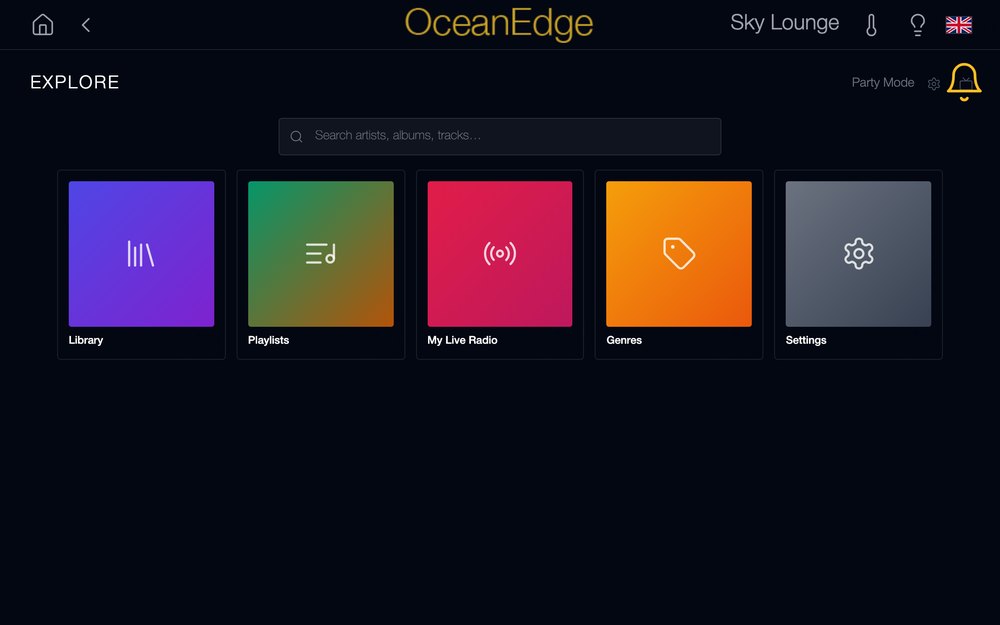
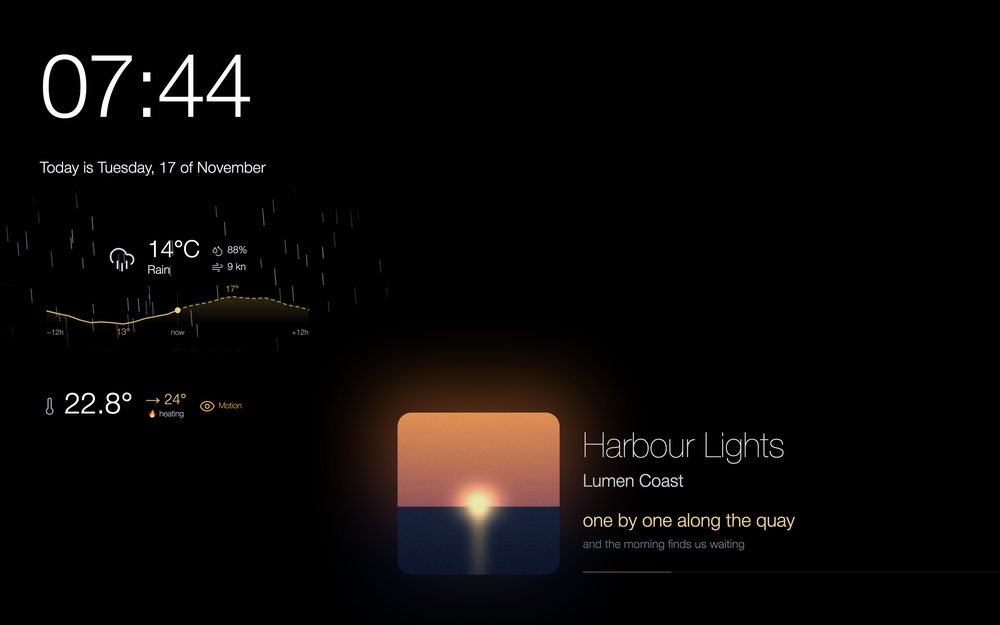
Guest & AV control
 EdgeCore
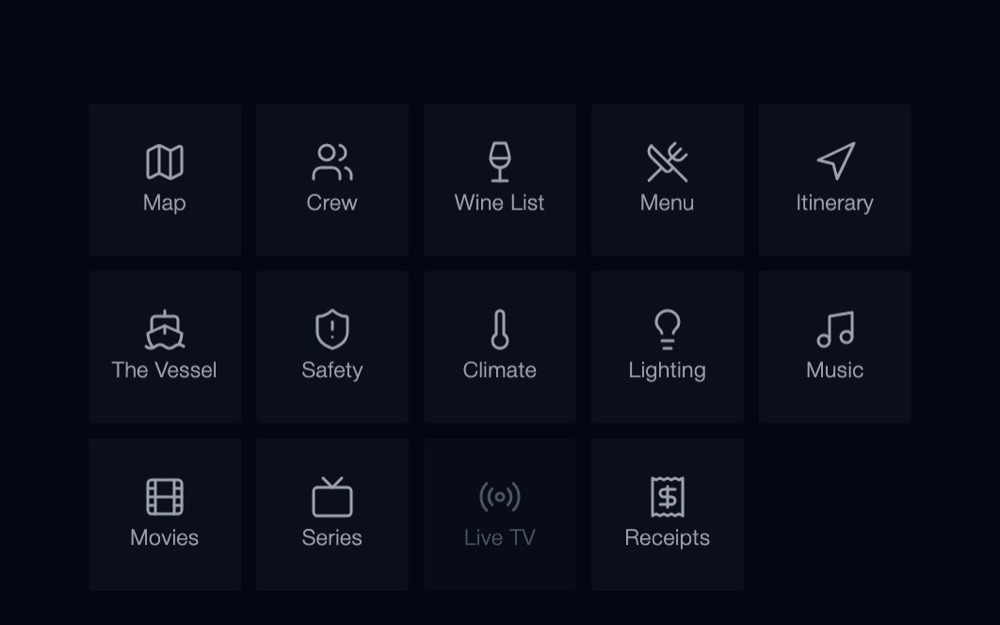
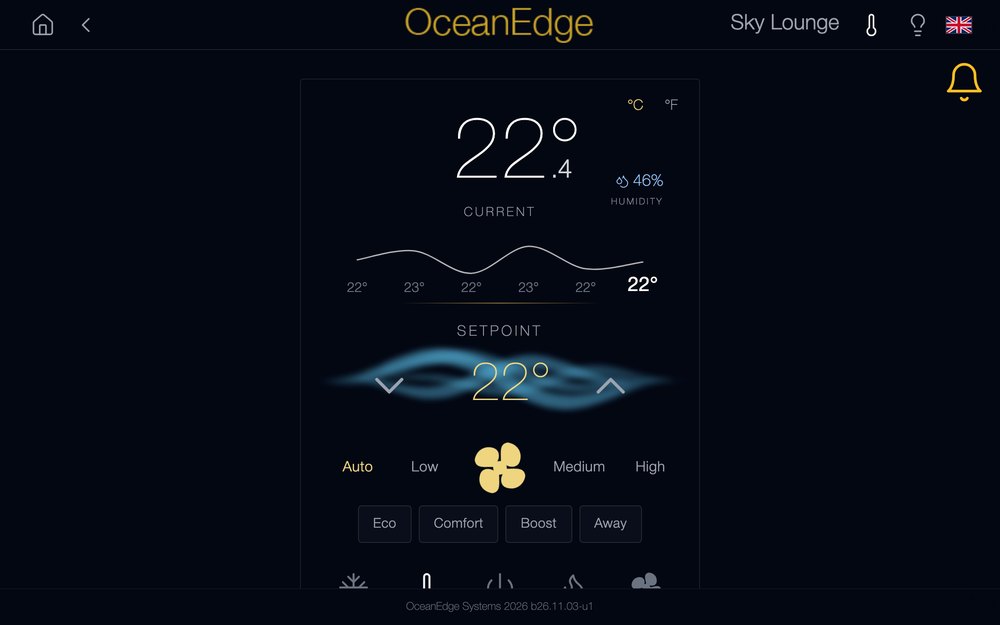
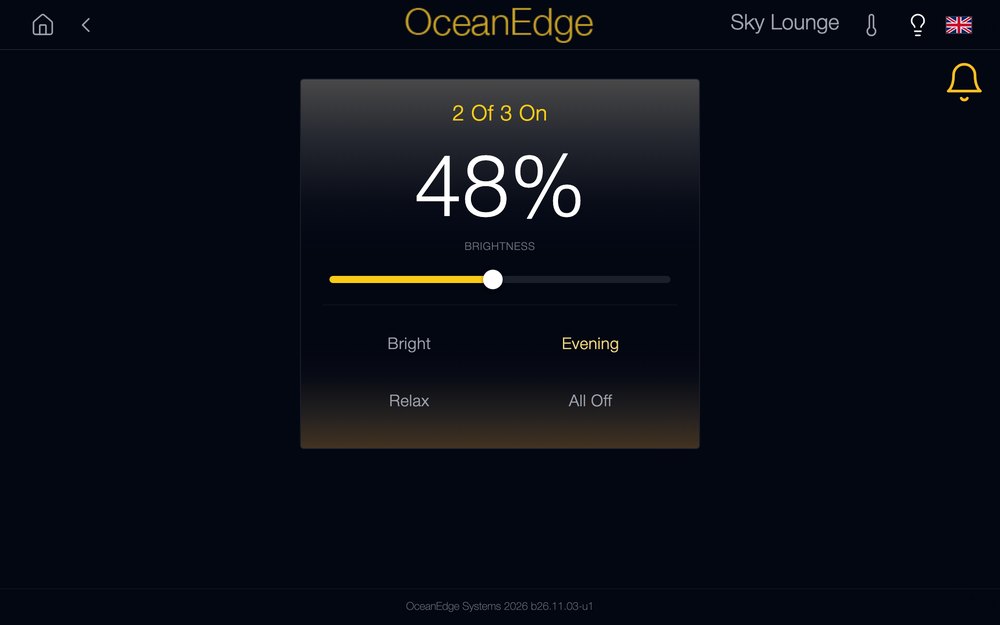
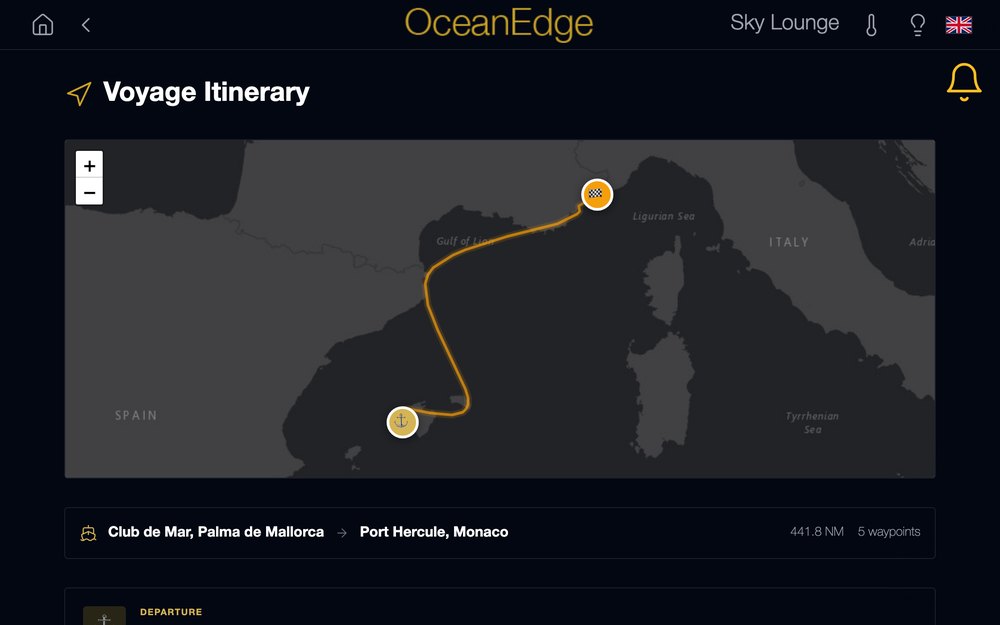
Climate, lighting, media, crew, wine cellar, hospitality and itinerary, all controlled from any touch surface, including guests' own mobile devices.
New: Live TV on every Apple TV, iPad and wall panel, from one provider connection for the whole vessel, with a programme guide, pause and rewind, and recording.
New: EdgeCore /Mirror brings EdgeCore to the bathroom mirror, now with films, series and Live TV on the glass.
Coming soon: Plan view, for crew and engineers. Every deck and guest area live on one screen, with climate, AV and lighting control and one tap to turn off a zone or a whole deck.
Coming soon: Guest Call, a round, wireless touch button for every cabin, with long battery life. Guests press and hold, the crew phones ring with the cabin's name, and the guest sees the moment someone is on the way.
- Watch
- Live TV Guest Call Plan view
- Try
- Plan view demo
Crew services
 EdgeCrew
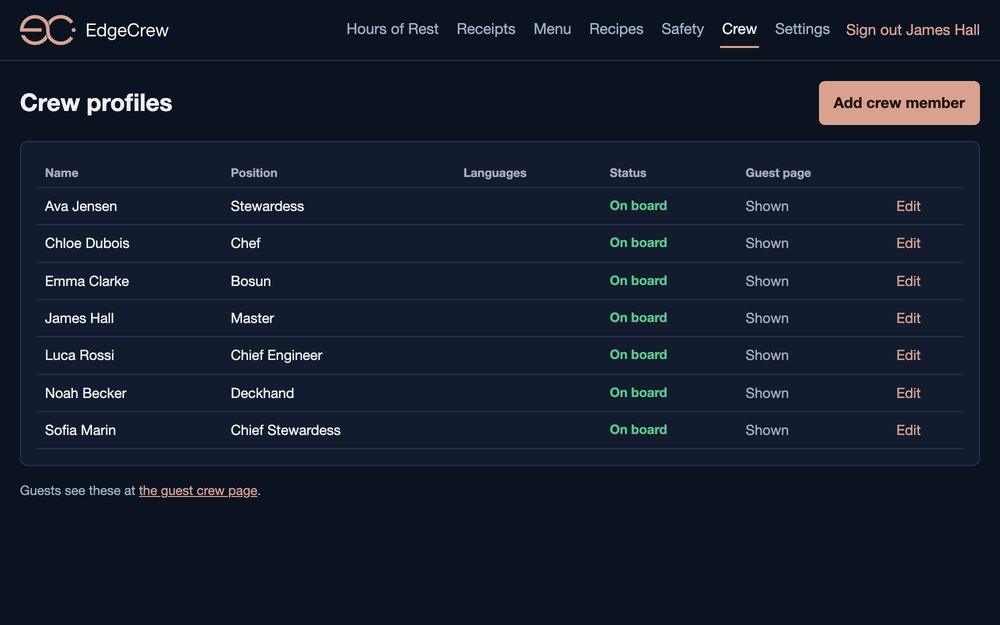
Tools for the people working on board. EdgeCrew runs on the vessel, keeps working offline, and you license only the modules you need.
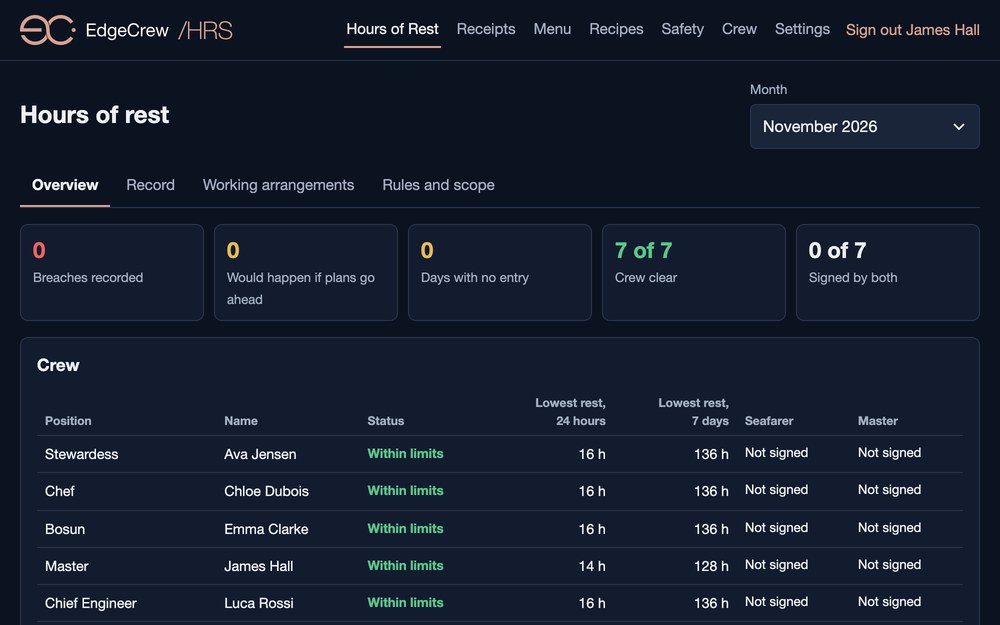
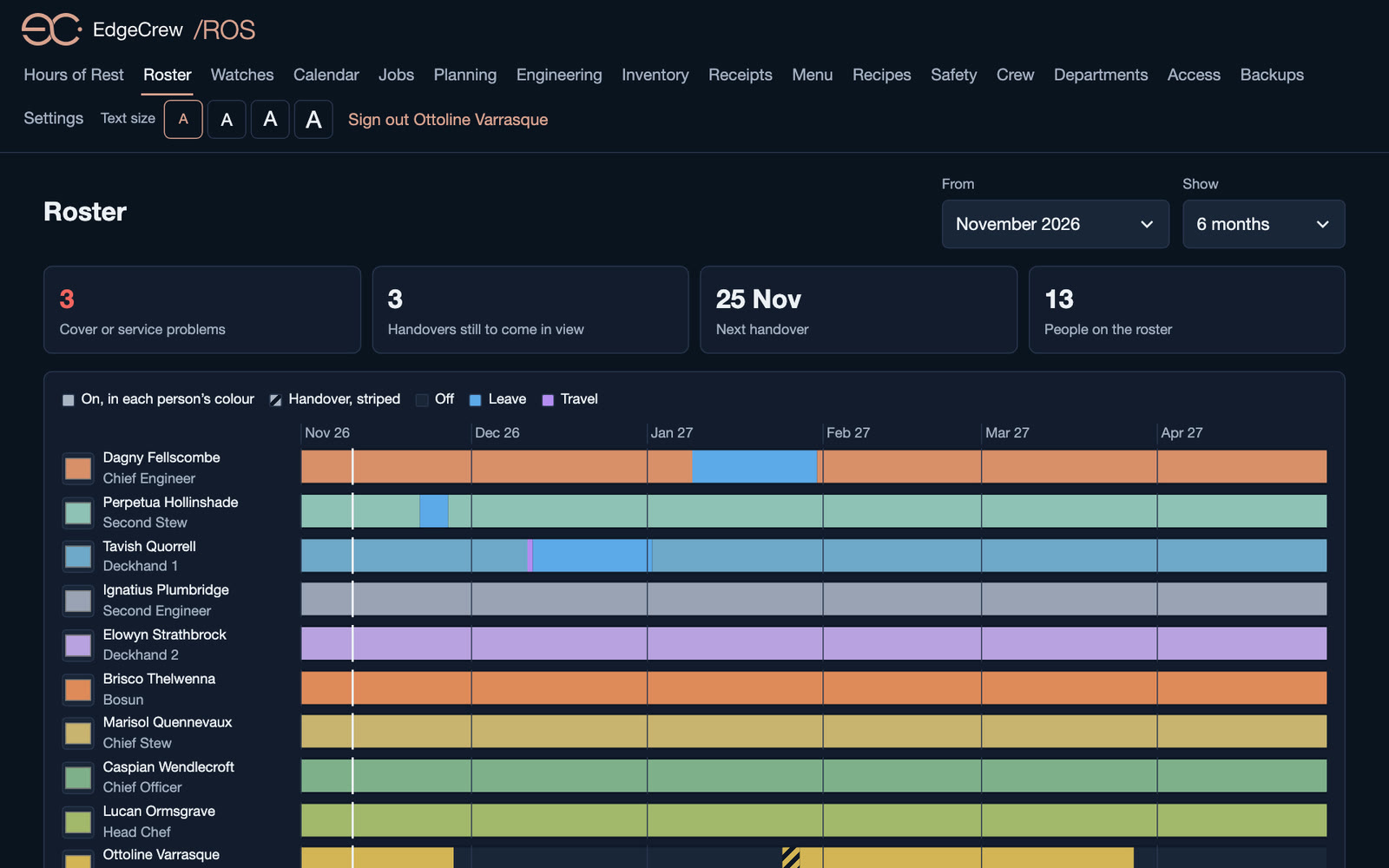
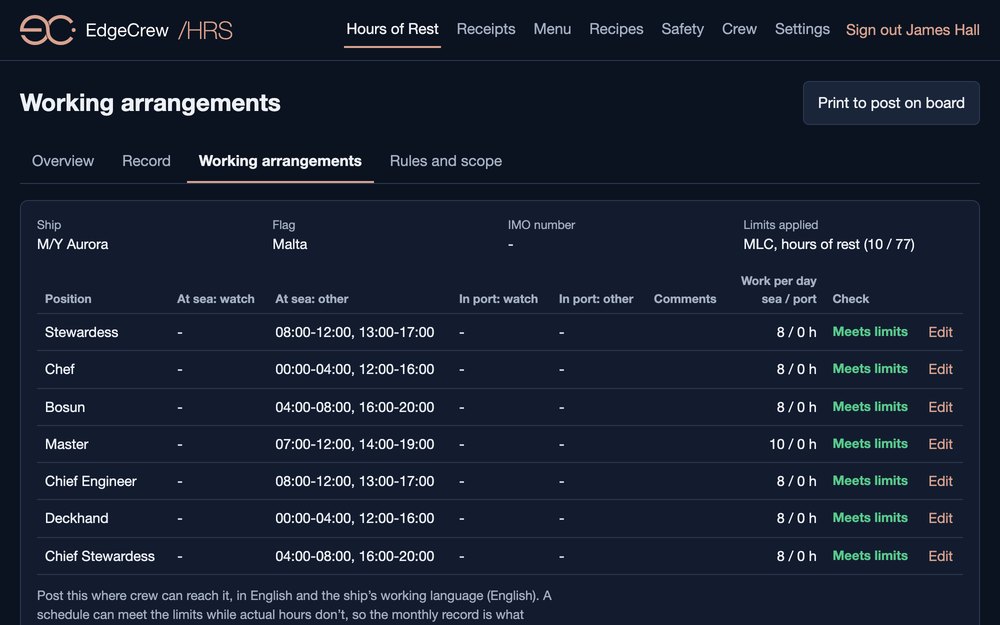
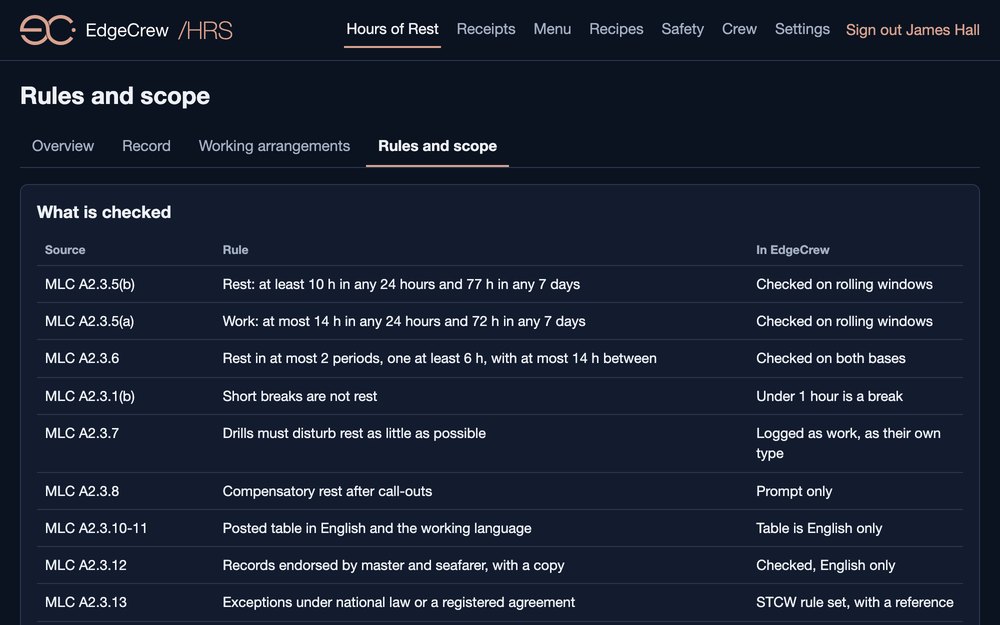
/HRS Hours of Rest records each crew member's hours, checks them against MLC and STCW rest rules, flags breaches before they happen, and collects monthly signatures. /WCH Watches plans watch rotations and checks every watch against the same rules. /ROS Roster keeps track of who joins, leaves and travels.
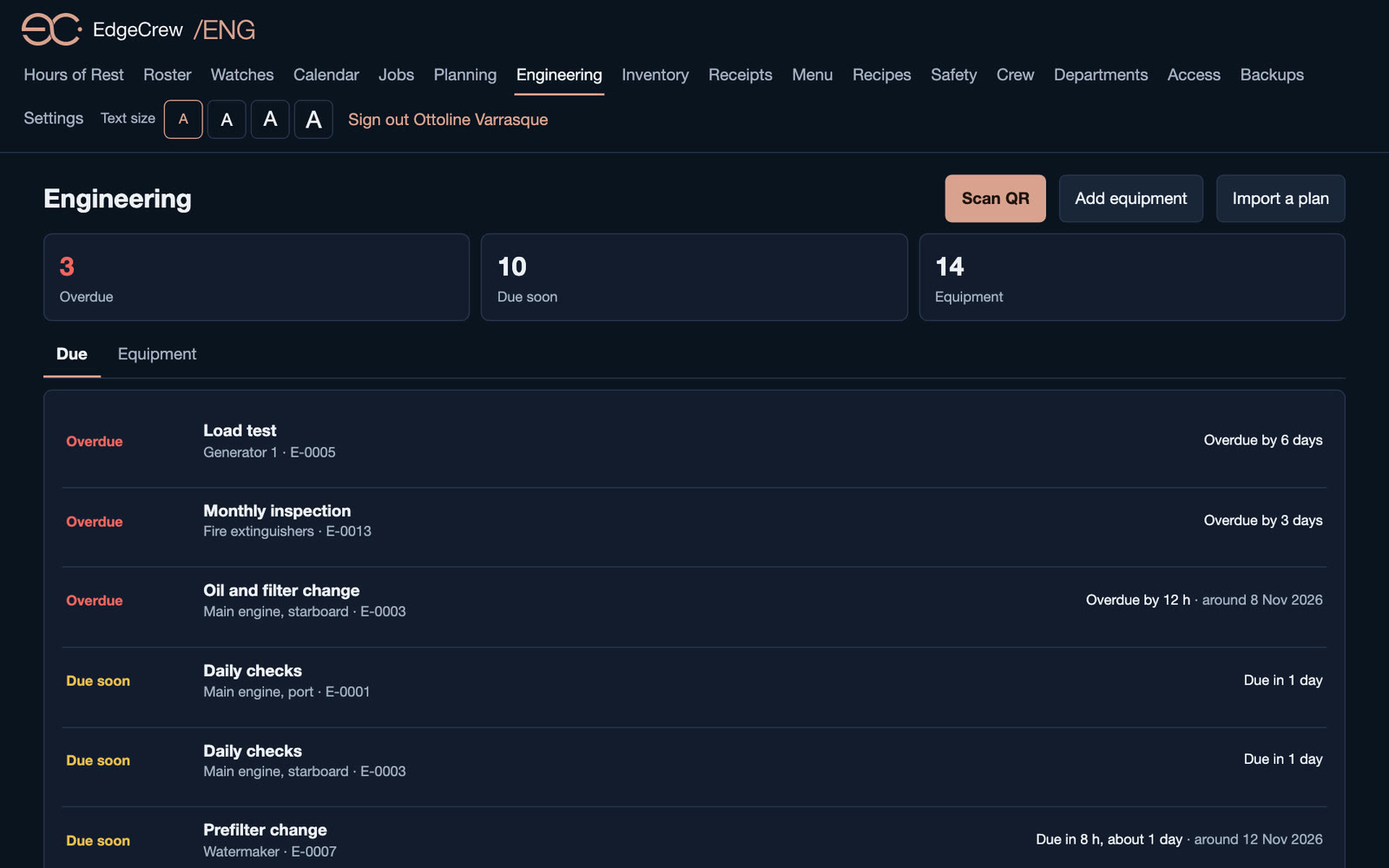
/ENG Engineering holds equipment, running hours and maintenance plans by hours or days, with QR and NFC tags on the machinery, so a scan opens the right log. /JOB tracks jobs and defects, /PLN plans projects and milestones, and /INV keeps stores and spare parts.
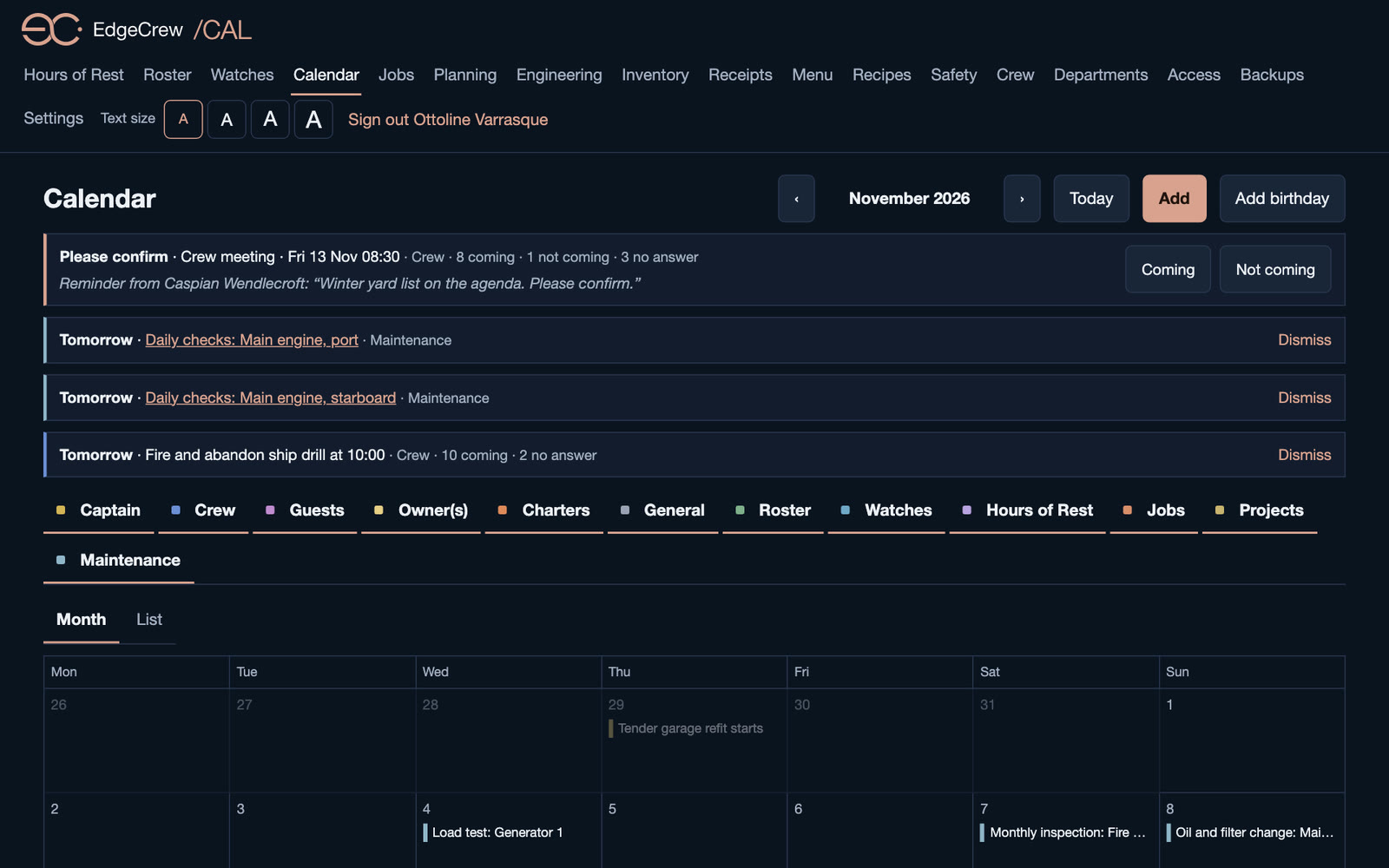
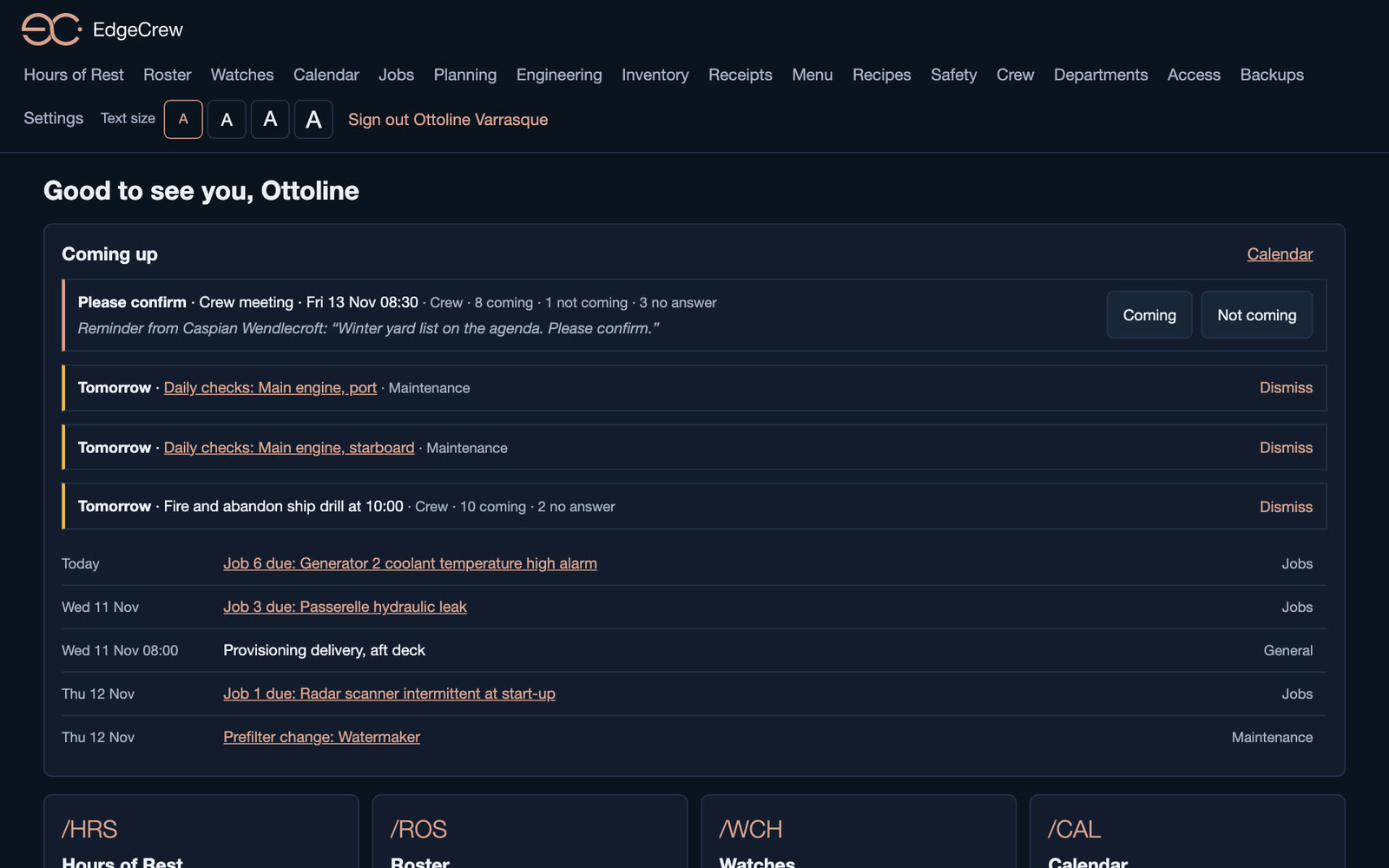
/CAL Calendar brings it together: crew events with invitations and reminders, alongside watches, crew changes, maintenance and due jobs. Crew accept, decline or ask to reschedule.
New: /MSG Messages lets crew chat one to one and in groups, with photos, videos and voice messages, plus voice calls for up to eight people and push-to-talk channels, all over the vessel's own network. Private voice memos stay with the person who recorded them.
New: photos, documents and voice notes on jobs, projects, equipment and safety, and supplier invoices that count against job costs and project budgets.
New: guest calls. When a guest presses the call button on EdgeCore, EdgeCrew rings the crew on watch on their phones and Apple Watch, then widens the circle every 15 seconds until someone taps On my way.
/RCT captures and files receipts, with spending reports. /MNU, /RCP and /SAF cover the guest dining menu, galley recipes and safety instructions for guests.
EdgeCrew for iPhone and iPad is on the Apple App Store, and coming soon to the App Store in the EU. EdgeCrew for Android is coming soon to Google Play.
 Coming soon to the EU App Store
- Watch
- Calendar Walkthrough Overview
Router appliance
EdgeOne /RTR
Our pre-configured router, which pairs with EdgeOne out of the box. Three sizes, from six 2.5GbE ports up to 10GbE with redundant power.
Storage
EdgeOne /NAS
Bespoke, secure storage solutions based on proven technology, with remote monitoring and proactive support.
Your vessel
M/Y Aurora
Status
Under way
Heading
075°
Speed
9.4 kn
Size
62 × 11 m
Draught
3.4 m
Source
Local AIS
Illustrative view
Live marine traffic
EdgeOne /AIS
Every vessel around the hull, as it moves. EdgeOne /AIS reads the yacht's own AIS transponder over NMEA 0183 and puts nearby traffic and your own position on the EdgeOne map, each vessel drawn by type and pointing true.
An internet AIS feed can add traffic beyond radio range. Thousands of targets are culled to what is in view and drawn on canvas, so a packed anchorage never slows the bridge.
In-room touch panel
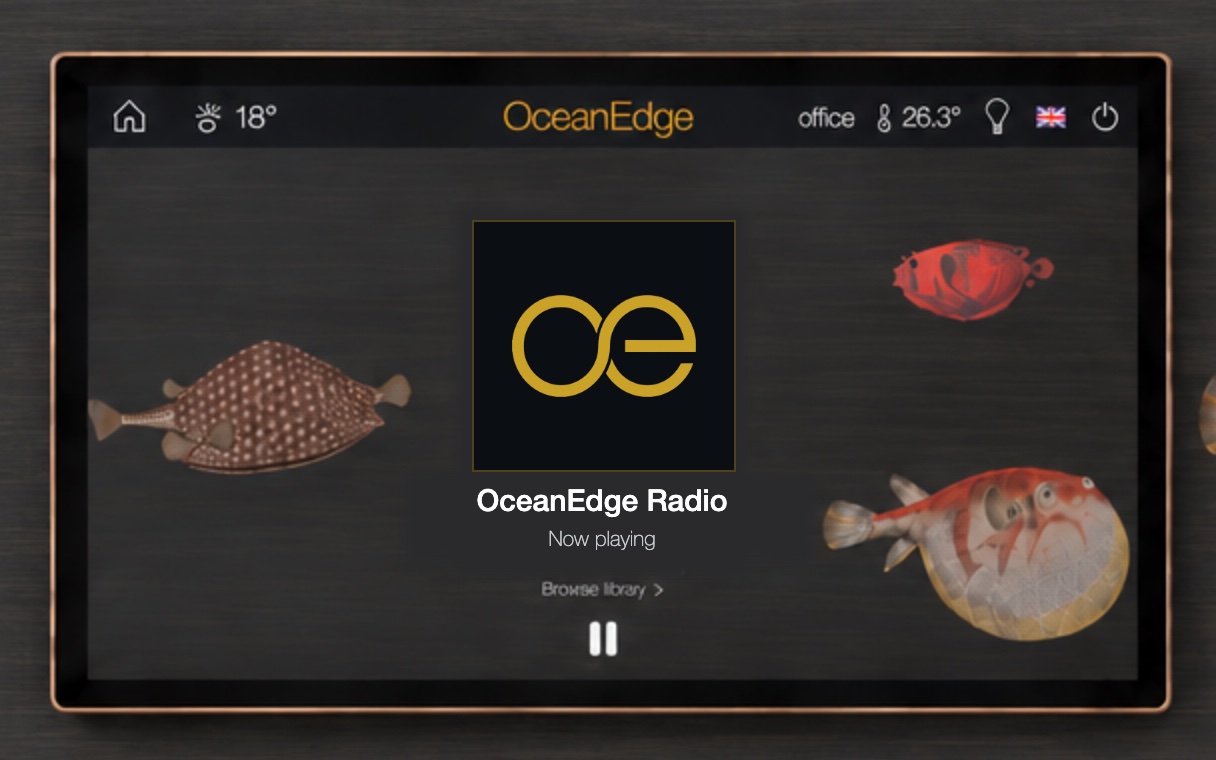
EdgeCore /WallPanel
A wall-mounted touchscreen for EdgeCore, with climate, lighting and media control in every zone. Available in 5-inch, 8-inch and 10-inch sizes.
Smart bathroom mirror
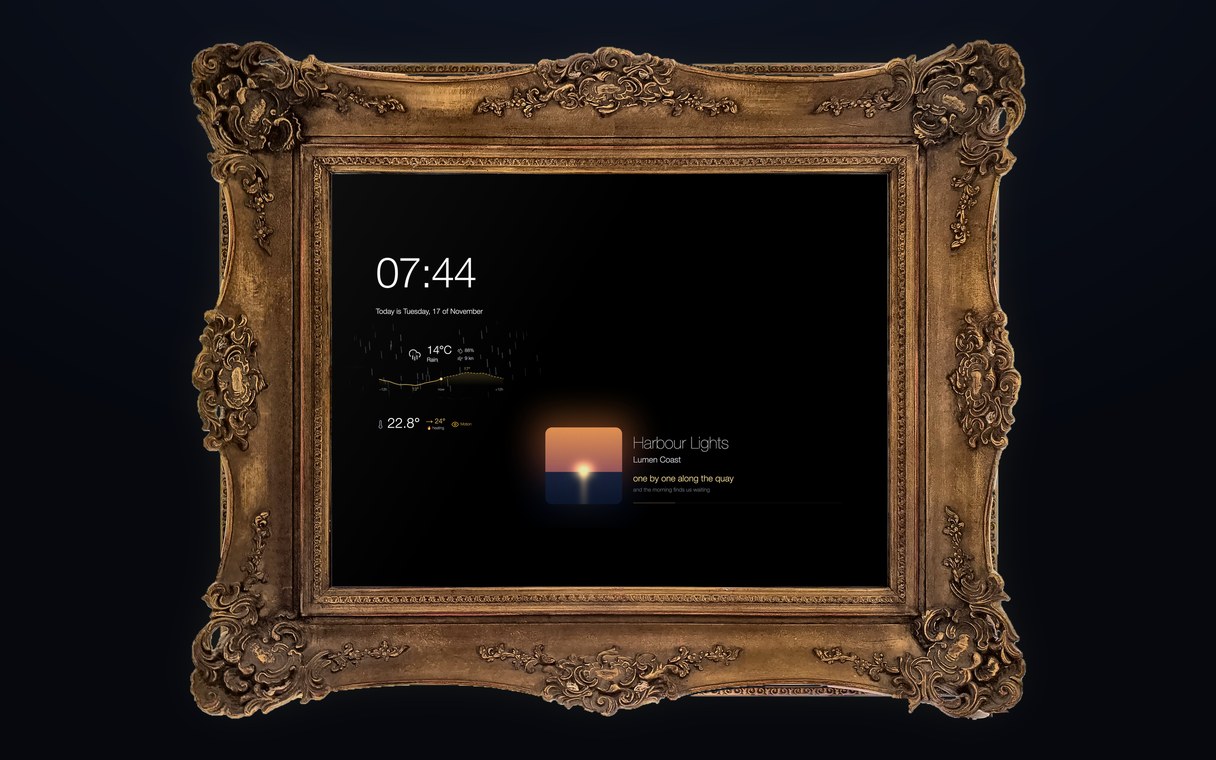
EdgeCore /Mirror
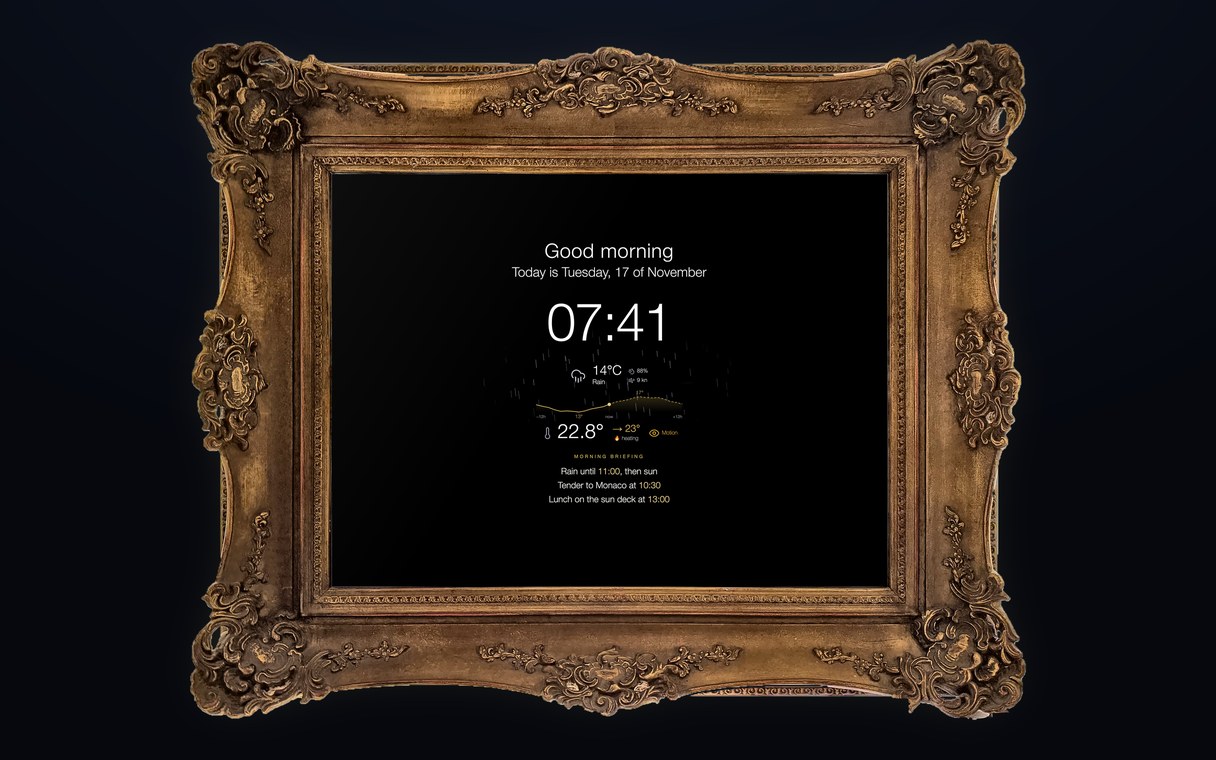
A mirror first, a screen when you need one. It sits behind two-way glass in a frame made for the interior, and wakes when a guest walks in, with a morning briefing, the weather and the cabin's climate. Guests just ask for it warmer, and when it rains outside, it rains in the mirror.
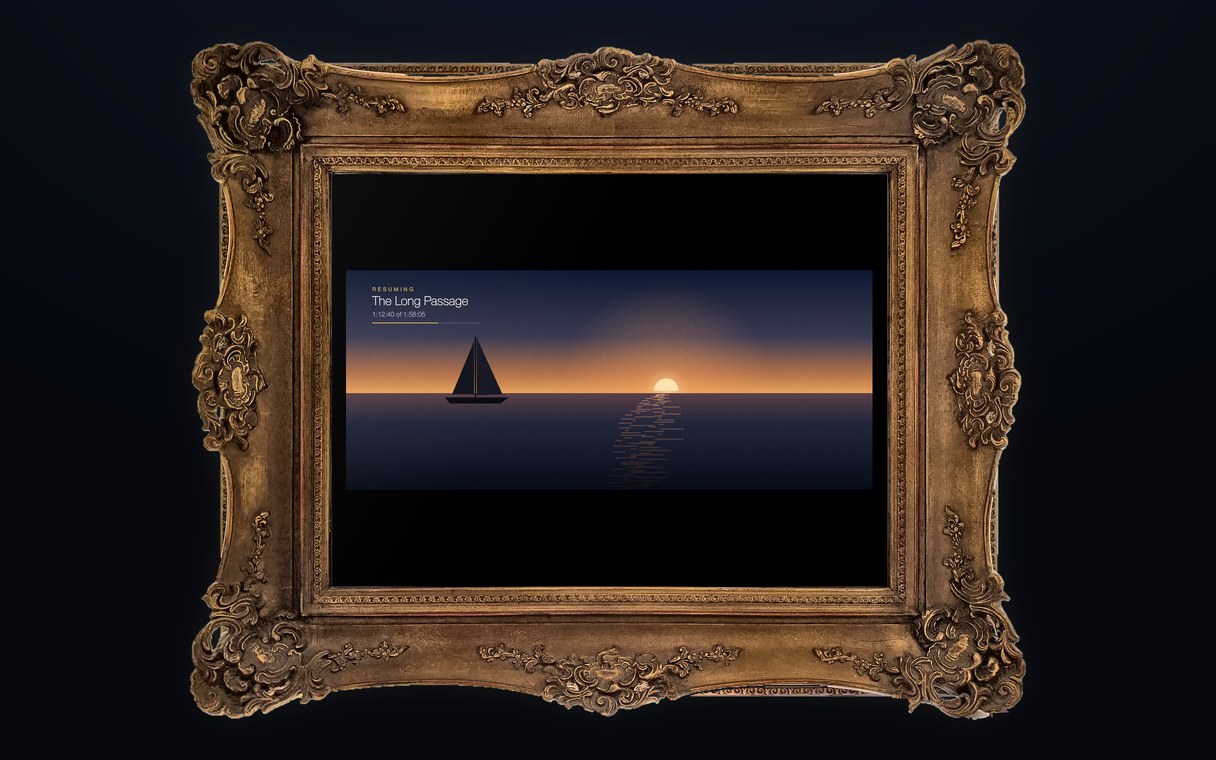
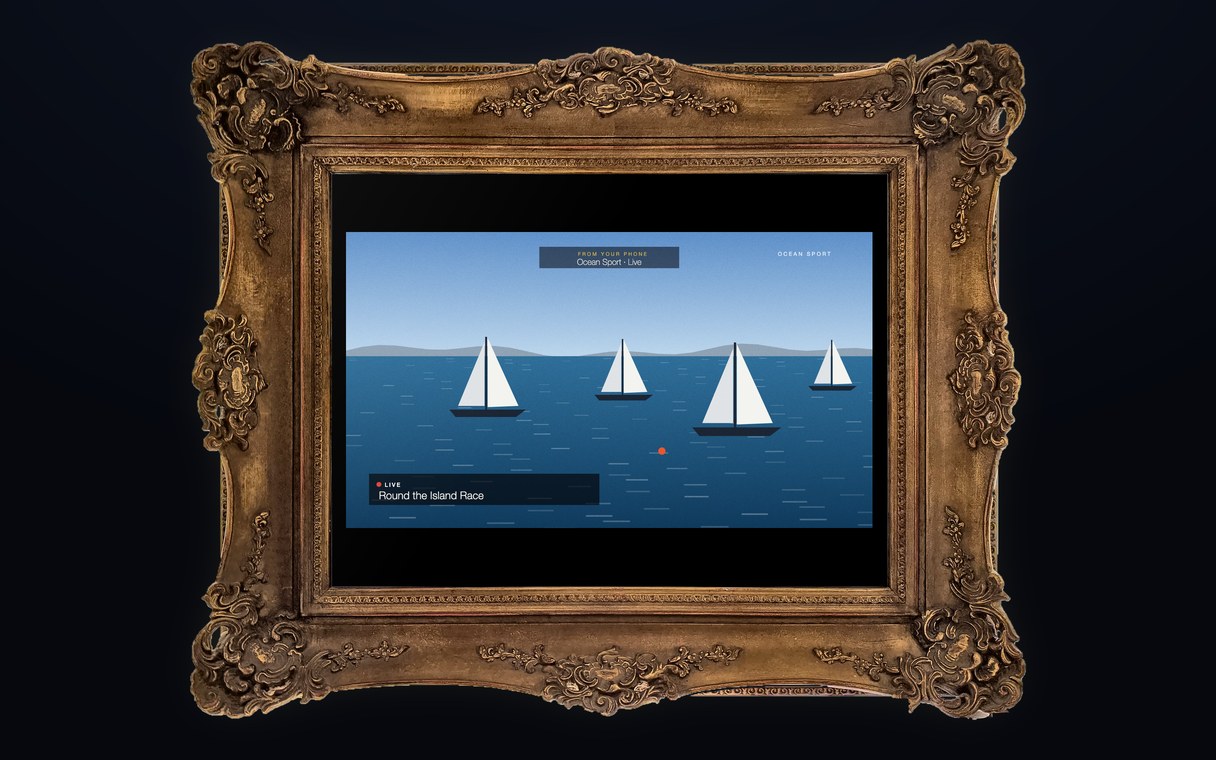
Music glows through the glass with the lyrics line by line. Films and series play on the mirror and pick up where the guest left off, on any screen on board, and Live TV goes from a phone to the mirror with a flick. AirPlay works too.
The middle of the glass stays clear: it is still a mirror.
- Watch
- Mirror

Emulated in your browser and not connected to a real unit. The room temperature changes faster than it would on board, and the statistics history is simulated.
Climate control · try it
EdgeCore Fancoil Controller
A wall-mounted touchscreen controller for Dometic and Condaria fancoil units. It runs on its own, with control held on the device, and connects to EdgeCore and Crestron over the network.
Go ahead and drive it: change the setpoint, fan speed, mode and units, and watch the room respond.
Beyond the controls
- Statistics. Tap the room temperature or its trend line. You get room temperature, setpoint, cooling, heating and fan speed for the last 24 hours, 7 days or 30 days. The screen goes back to the controls after two minutes.
- Setup. Press and hold the zone name (OFFICE, top left) for five seconds. Nothing marks it, so guests won't find it by accident. The QR code opens the panel's setup page on a phone, and the screen closes after 20 seconds.
- Interface info. On the setup screen, tap More info to see the panel's name, zone, network address, firmware version and live RS485 activity lamps.