 OceanEdge /CYOPS
Network security survey
Know what’s on your yacht’s network.
Every device on board, what each one leaves open, and how to close it. Run by an OceanEdge engineer with our own survey tool, /CYOPS.
OceanEdge /CYOPSNetwork security survey
Every device on board, what each one leaves open, and how to close it. Run by an OceanEdge engineer with our own survey tool, /CYOPS.
What the survey checks
A yacht’s networks grow with every refit and every guest. The survey takes stock of all of it, network and radio, and tells you plainly what matters.
Routers, switches, access points, cameras, TVs, speakers, control processors, crew and guest devices: found across the networks you authorise and identified by name, maker and what they do.
Open ports and the software behind them: Telnet and admin pages without encryption, databases reachable from the guest network, SSH that accepts passwords.
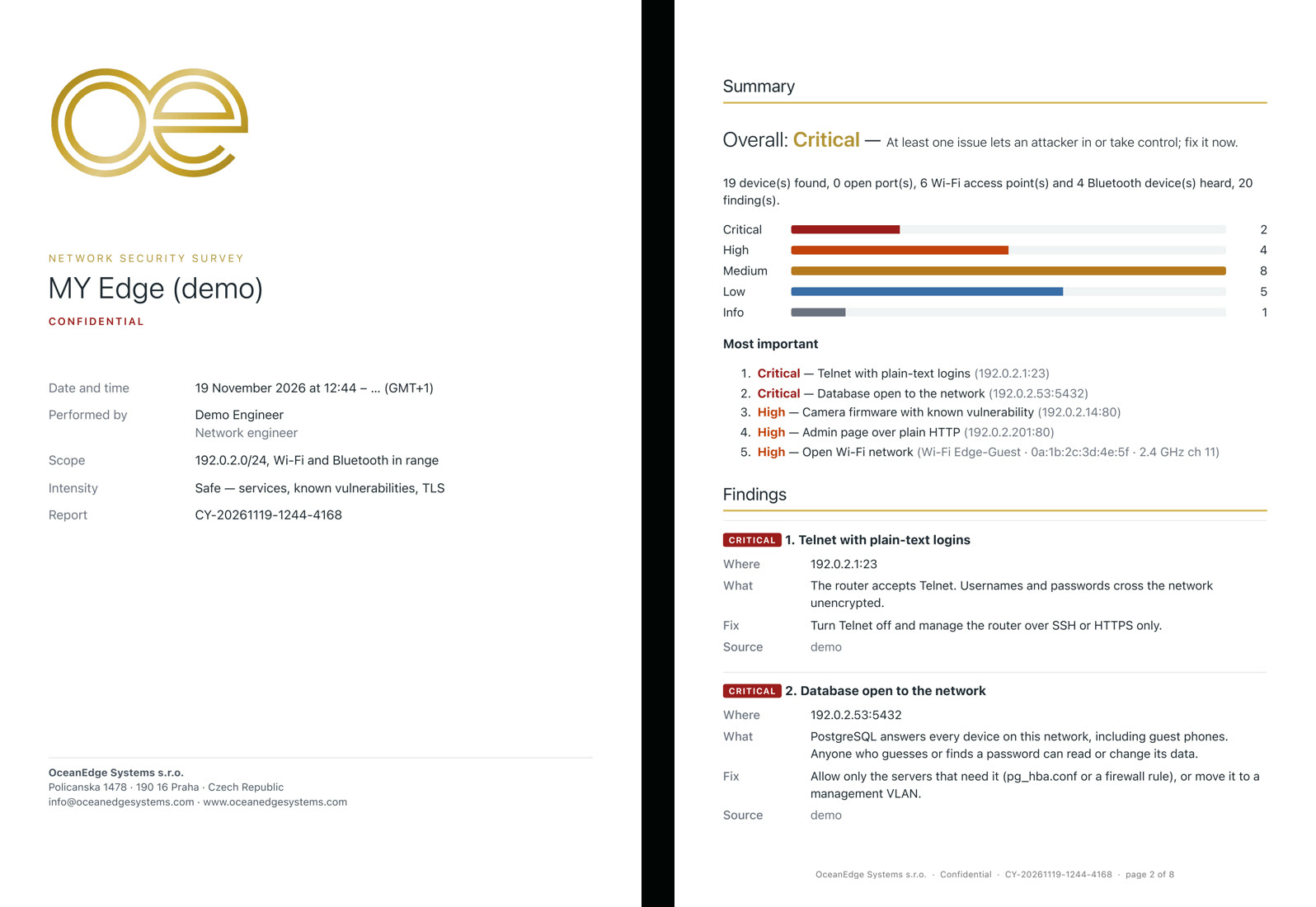
Firmware and software versions checked against published vulnerabilities (CVE), so you know which devices need an update and how urgently.
Retired TLS versions, self-signed and expiring certificates, outdated SSH algorithms: the settings that let someone read or impersonate a device.
Open and weakly protected networks, WPA2 without protected management frames, WPS, fake look-alike access points, and disconnection attacks in progress.
Trackers travelling with someone who isn't their owner, and devices left discoverable. A finder then leads you to the tracker by signal strength and direction.
If the yacht runs UniFi: Wi-Fi security per network, passwords shared between networks, and which network can reach which.
On screen while it runs
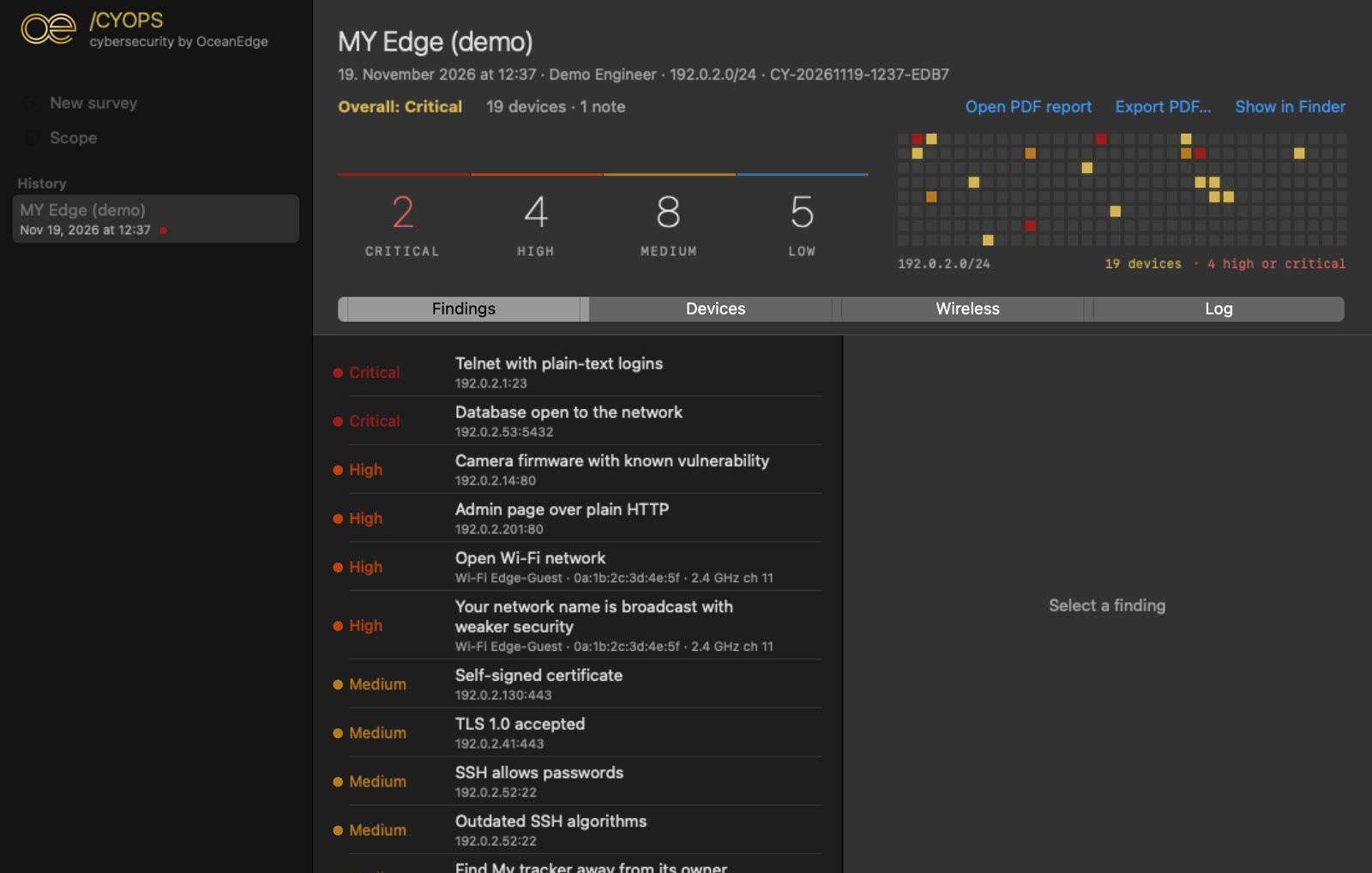
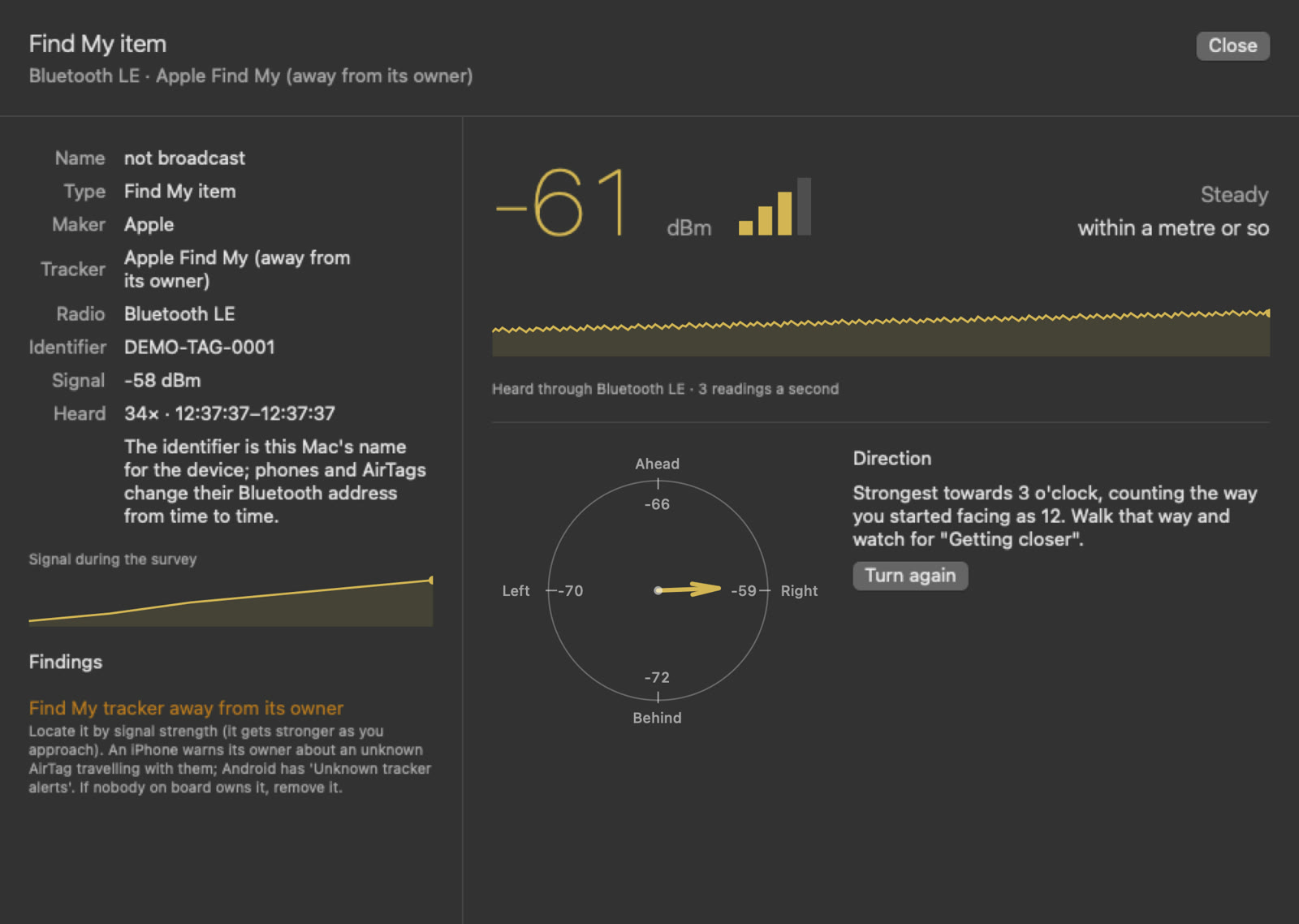
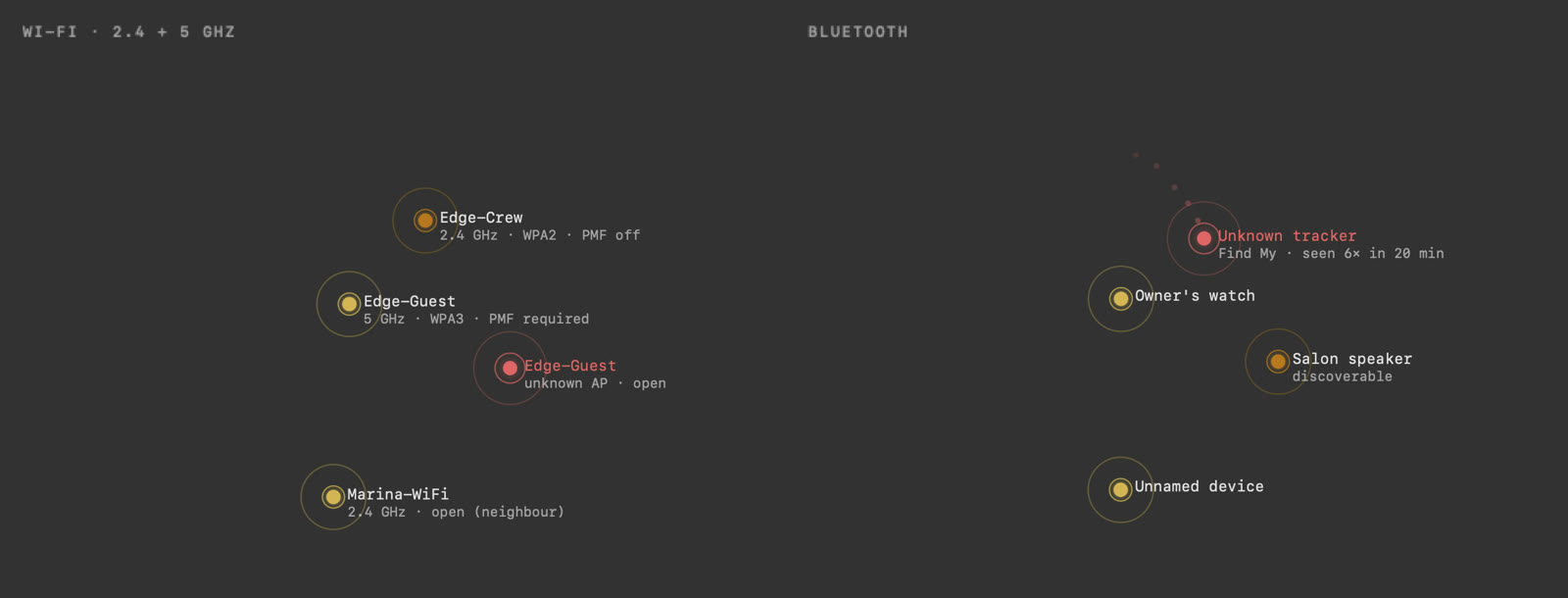
Screens show invented demonstration data: a fictional yacht and documentation-only addresses.
Safe by default
The report
How it works
No. The standard survey only looks: it finds devices, reads which services they offer and checks their versions and settings. It doesn't try passwords or exploits. Small embedded devices such as smart plugs and relays are recognised first and checked slowly, on a handful of ports, and through a VPN the whole survey runs at a gentler rate to protect the link. Anything more intrusive is only done if you ask for it in writing.
Only the ones you name. The scope is agreed in writing before we start, and /CYOPS refuses any address outside it. Guest, crew, AV and vessel networks can be surveyed together or one at a time.
It depends on the size of the networks. We give you an estimate once the scope is agreed, and the app shows the time remaining while the survey runs. Most of the time is unattended; the Wi-Fi and Bluetooth part is a walk-round of the yacht.
The network part, yes, over the yacht's VPN. Wi-Fi and Bluetooth need to be heard on board, so that part is done by our engineer during a visit.
The survey looks at how devices are set up, not at what they carry: it does not read files, email or traffic. Where we check the strength of Wi-Fi passwords through a UniFi controller, the passwords themselves never appear in the report.
Yes. Every finding comes with its fix, and you can have your own team or contractor do the work. If you'd like us to do it, we quote for it, and a short re-survey afterwards confirms that each finding is closed.